Case Study - JobRef
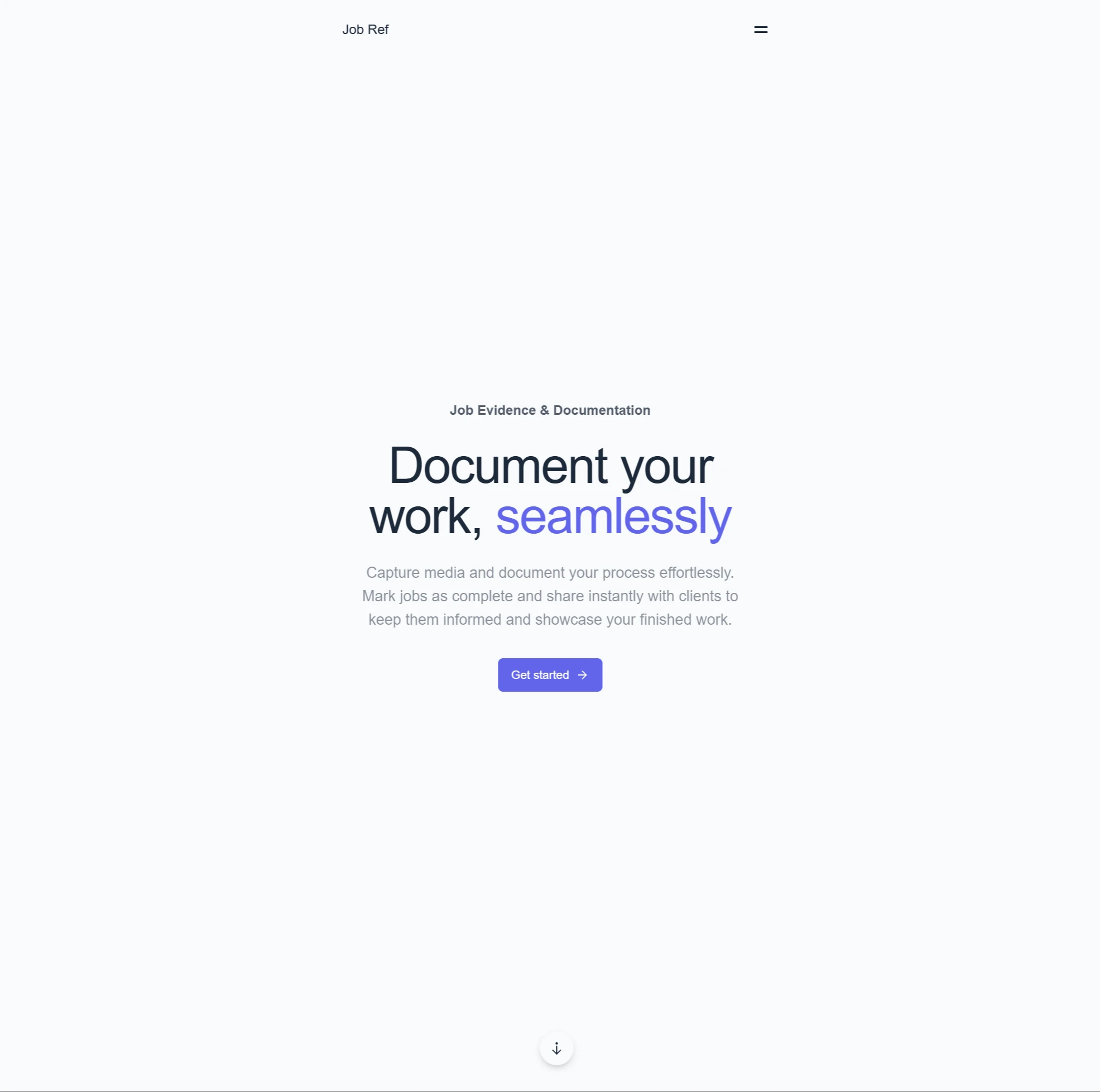
A product for field service businesses to document work transparently using images as the primary source of truth. Designed to make job documentation feel natural rather than like admin.
- Date
- Site
- jobref.fly.dev/
- Roles
- Developer,
- Product Designer
- Tech
- Remix,
- Supabase,
- TypeScript,
- Fly.io
Problem Context
In service-based work, much of the value delivered is invisible by the time a job is complete. Work happens inside panels, behind walls, or incrementally over multiple visits. By the time an invoice is issued, clients often see only a number without context for the effort, complexity, or quality involved (not to mention the risk of a dispute).
This lack of visibility creates several downstream problems: Reduced trust between client and business, friction around sign-off and payment, little usable evidence if disputes arise, and no durable record of work for future reference or insurance.
Most existing tools approach this space indirectly. They focus on scheduling, internal job management, or analytics-heavy dashboards. Actual job evidence (photos taken on-site) is either scattered across personal camera rolls or lost entirely.
JobRef started from a simple observation: if documenting work is even slightly inconvenient, busy operators won't do it consistently. Any solution has to be silky smooth and work in the moment, not as an afterthought.
Product Approach
JobRef is intentionally image-first (video evidence to come later). Images are the most natural form of ground truth in physical work. They require much less effort than writing notes, capture detail that text often misses, and can be taken opportunistically while work is already in progress.
The product optimizes for three things: 1) Frictionless capture. Documentation must be faster than doing nothing. 2) Transparency. Clients should be able to see real progress, not summaries. 3) Asset accumulation. Each job builds a durable catalogue of real work (more to come on this later, ooooo).
Rather than treating documentation as admin, JobRef treats it as a byproduct of doing the work itself. Over time, this naturally produces a high-quality archive of job evidence that can be reused for client communication, dispute resolution, or portfolio-style presentation.
What I Built
At a system level, JobRef allows a user to capture images during a job with minimal friction (this core flow is still in iteration phase), group those images into logical jobs within a project, rely on native timestamps to preserve accurate chronology, add light context where useful without forcing written reports while documenting, and share a simple, read-only link with clients for transparency or sign-off.
The product explicitly does not attempt to be a CRM, a scheduling system, or an invoicing or quoting tool. Those constraints were deliberate. The goal was to perfect the documentation flow before expanding into adjacent features.
Technical Architecture
JobRef is built as a full-stack web application, with a strong emphasis on media handling and predictable behavior in real-world conditions.
The frontend is built with Remix, favoring server-driven flows and minimal client state. Authentication, persistence, and storage are handled via Supabase (I'm using a template I built previously for multi-tenant SaaS products). Images are compressed to a standardized 'master' size before upload (large enough to retain detail, but optimized for long-term storage). Image metadata is stripped and stored separately in the database. Media is delivered via Supabase's CDN, with a planned migration to Cloudflare as scale increases. A custom image component handles responsive rendering, aspect-ratio-aware mosaics, and a lightbox for detailed viewing.
The result is a UI that feels image-native rather than image-embedded.
A conscious decision was made to avoid a rich text editor initially. Captions and notes are intentionally minimal, keeping the focus on visual evidence. A richer editor may be added later to support links or structured annotations, but only if it doesn't add friction to capture (you're documenting, not writing a blog post).
Key Decisions & Trade-offs
Several design decisions shaped JobRef's MVP: Image-first over text-first (writing notes is optional; capturing evidence is not). Capture speed over feature breadth (project organization and PWA behavior were prioritized over secondary features to ensure capture is seamless).
No CRM creep... So scheduling, invoicing, and contact management were explicitly excluded to protect the core flow.
Progressive usage tolerance. If a user can't access JobRef instantly, using the native phone camera is acceptable (this is a PWA after all). JobRef relies on image timestamps to preserve accuracy when images are uploaded later.
One thing I realised quite quickly. ANY point of friction dramatically lowers the likelihood of documentation for busy users like myself.
Outcomes & Learnings
JobRef validated several assumptions quickly: Image-first documentation dramatically lowers capture friction. Clients care more about seeing real work than reading summaries. A simple shared link is often enough to establish trust and alignment.
It also highlighted where product effort should be focused: The hardest problem is not storage, but timing of capture. Documentation that doesn't happen immediately rarely happens later. Small UX details matter more than feature count in field conditions.
The project reinforced the importance of designing for real behavior rather than ideal workflows.
What's Next
JobRef's expansion is centered around reusing documented work as a valuable asset, not just a record: Faster capture flows (PWA behavior, lock-screen access -> moving to a native mobile app), optional automation to generate client updates or social posts from completed jobs, and the ability to embed curated job galleries into a business website or host them as a standalone portfolio.
Any new feature is evaluated against a single constraint: does this make documenting work easier, or harder?